Featured Images in WordPress
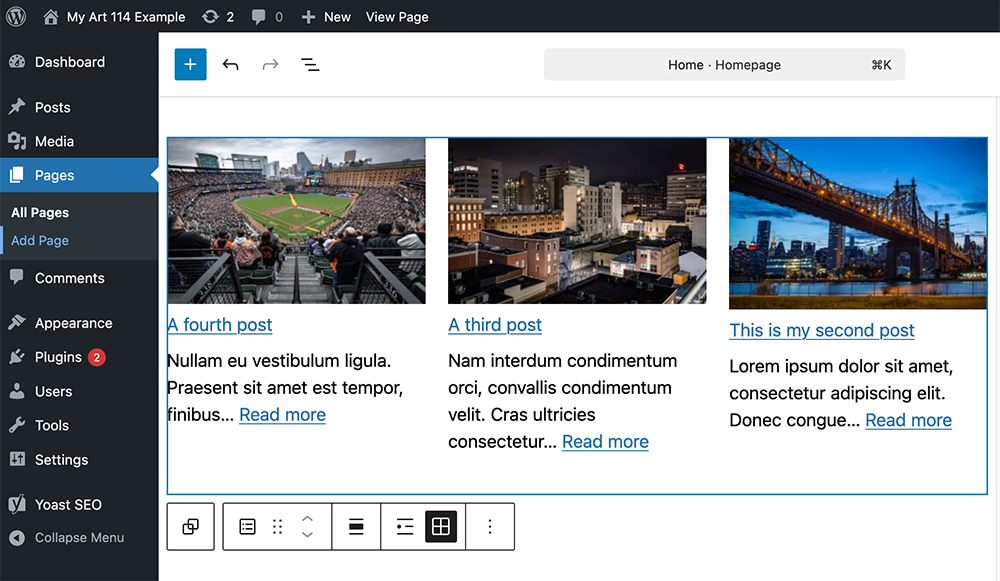
Featured images, also known as post thumbnails, allow you to associate an image with a post, page, or custom post type. Here's the official documentation from WordPress.org.
Enabling Featured Images in your custom theme
Ensure you have added the following code to your theme's functions.php file:
<?php
add_theme_support( 'post-thumbnails' );
Setting a Featured Image
To set a featured image for a post or page, follow these steps:
- Go to the WordPress dashboard.
- Navigate to the post or page you want to edit.
- In the editor, look for the "Featured Image" meta box on the right-hand side.
- Click on "Set featured image."
- Upload an image from your computer or select one from the media library.
- Once you've chosen your image, click "Set featured image."
Displaying Featured Images in Your Theme Files
To display featured images in your WordPress theme, you can use the following code snippet in your theme's template files (e.g., single.php):
<?php
    if(
        has_post_thumbnail()
    )
    {the_post_thumbnail();}
    ?>